
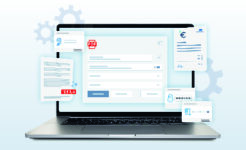
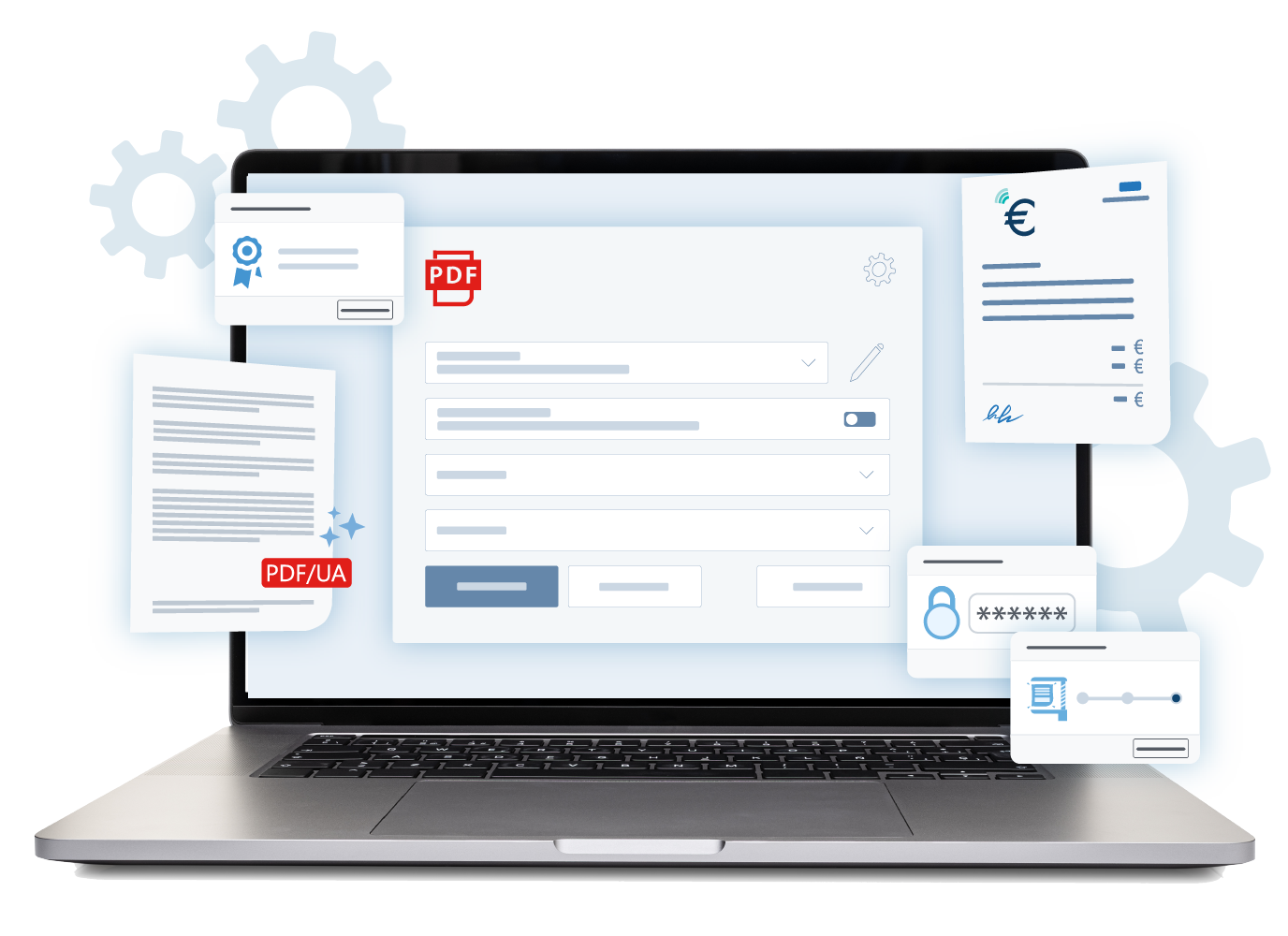














Your professional all-round solution for PDF documents

DESKTOP API SDK PDF/UA ACCESSIBLE

Functionalities

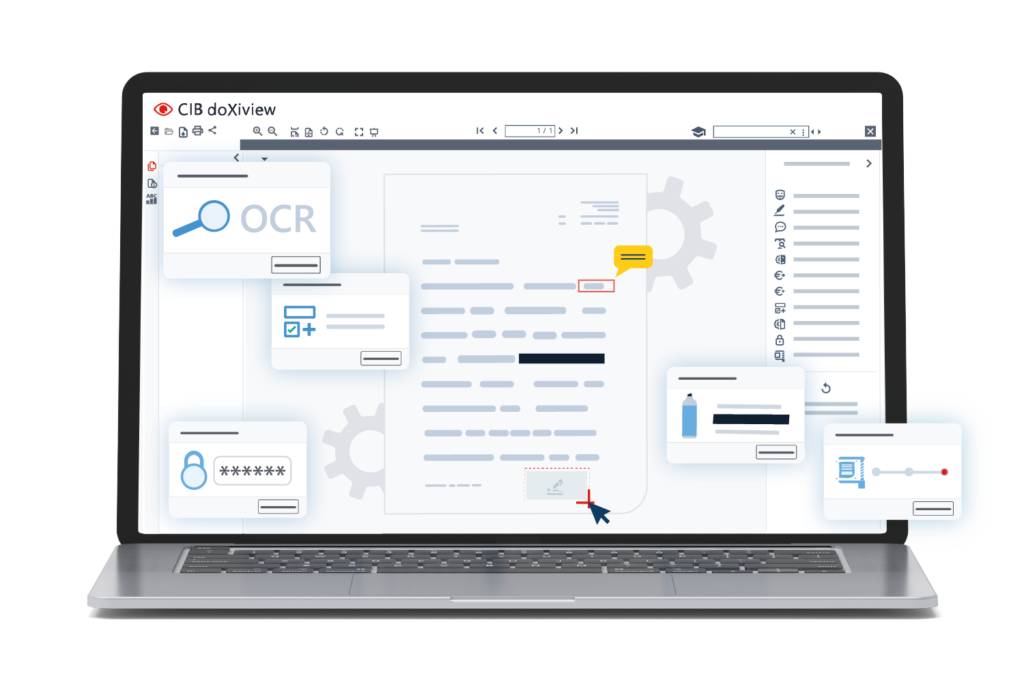
PDF edition with many extras

Add form fields, text stamps, watermarks, letterheads, and more to your PDF documents.

MS Word to PDF/UA 

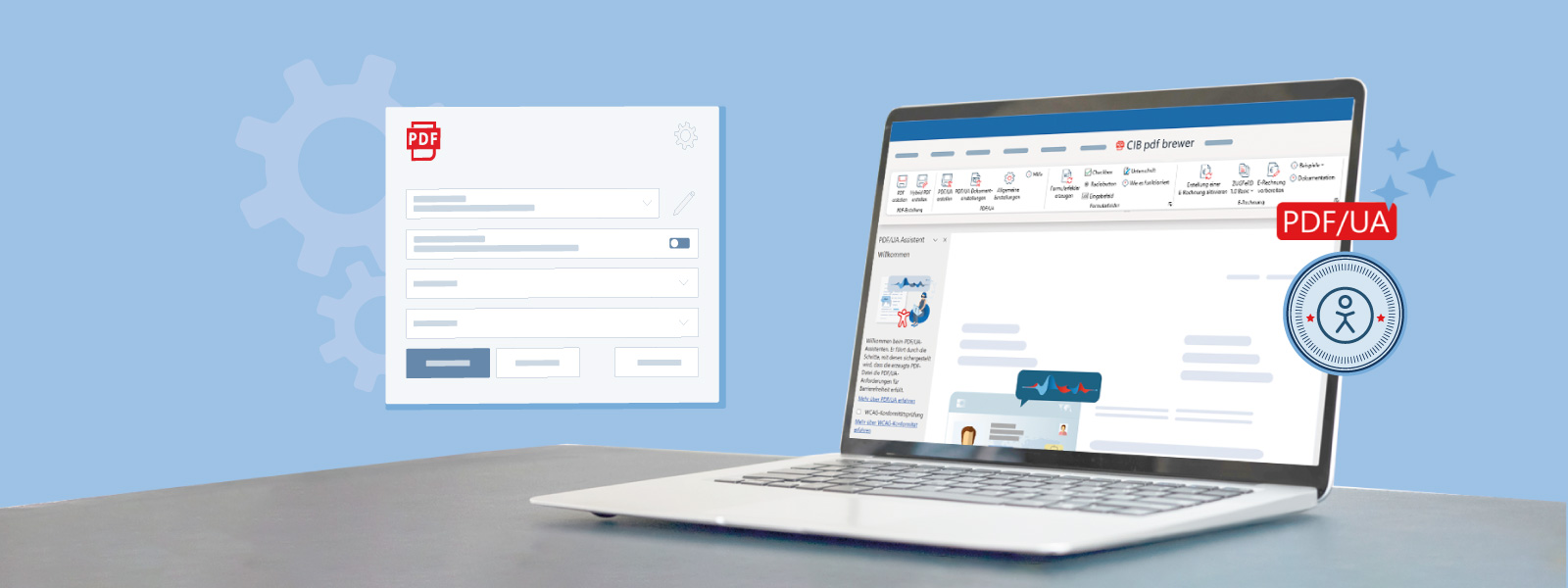
Create accessible, WCAG-compliant PDF/UA from MS Word with a single click.
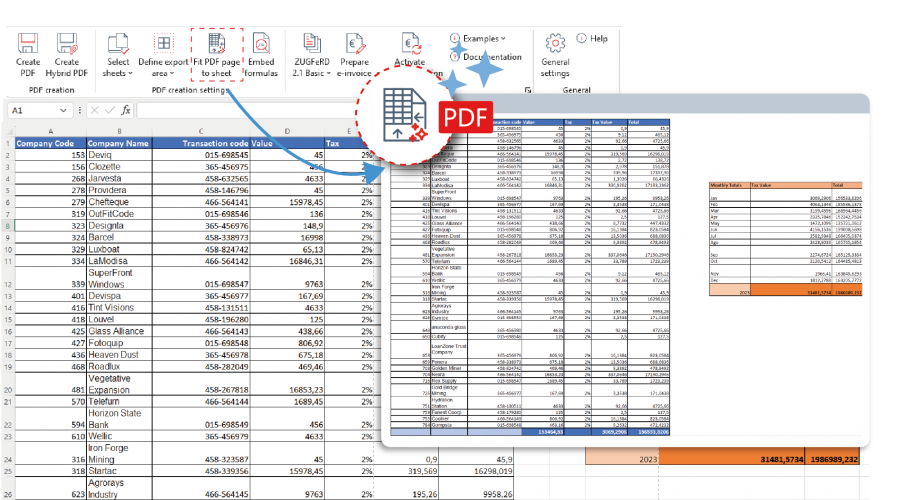
Excel lists on a single PDF page

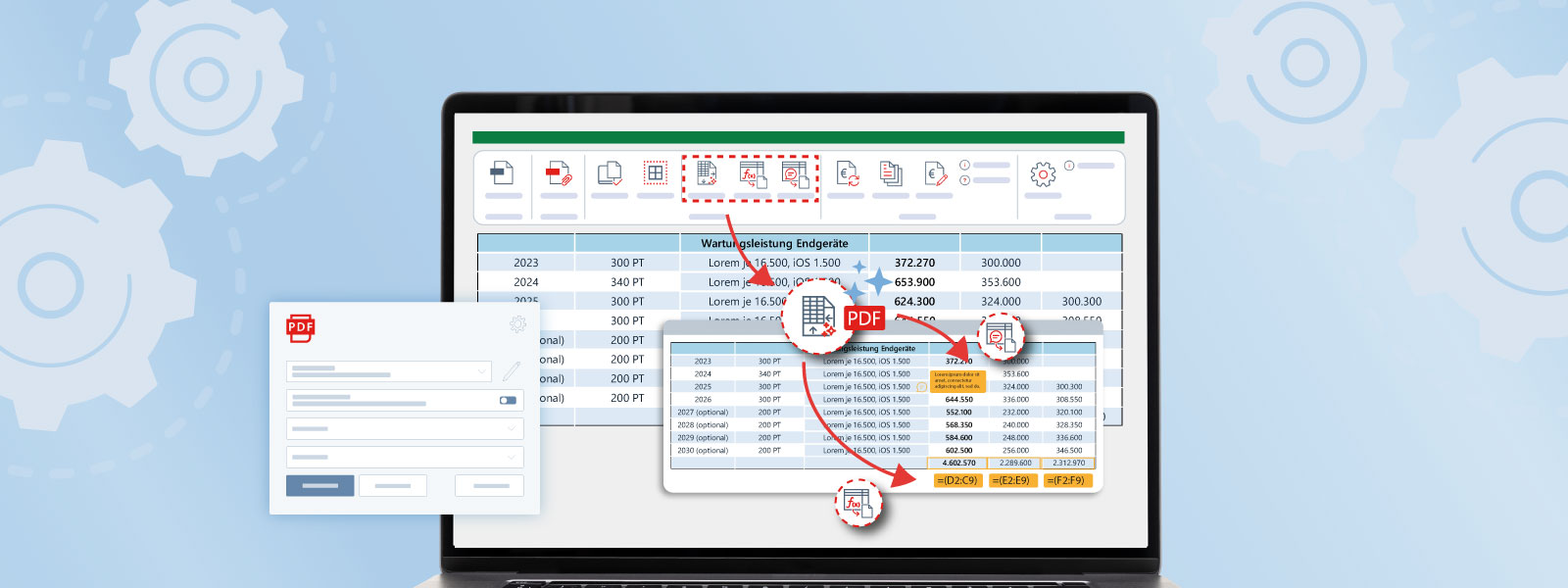
Print Excel lists on a single PDF page with ease and clarity.
Automatic processing

Simply launch additional applications such as CIB doXisafe or CIB fairBrief after PDF creation

Add attachments

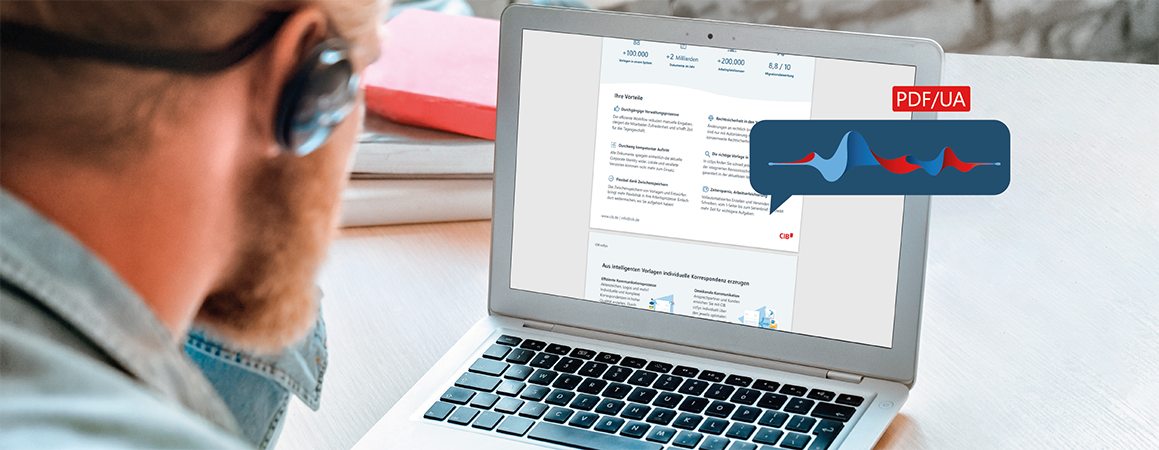
Support of the document standard for visually impaired people.

Archive documents

ISO standard PDF/A for long-term readability – guaranteed!

Outlook PDF Export

In MS Outlook: export emails to PDF with or without attachments.
Create PDF files

Easily from any application on Windows operating systems

High-end PDF compression

Optimally reduce the volume of PDF files with CIB fluXcomprimator.

 BUSINESS 

E-Invoicing

Creation of ZUGFeRD 1.0, 2.1 (Basic / Comfort), XRechnung, FatturaPA and Factur-X

 BUSINESS 

Integration

Flexible interface for easy integration into your system

 BUSINESS 

Customization

Many options, such as defining use case profiles or customising menu text.
Free updates

Stay up to date with free and regular updates

No ads

Ad-free even in the free version

Security

Highest standard of password encryption (PDF 2.0)

Documents created to date

0

Business licenses

Work with PDF files without having to leave Microsoft 365

CIB PDF Brewer integrates seamlessly with Microsoft Word, Excel, and Outlook, allowing you to create, convert, and manage PDF documents directly from the applications you use every day. A faster and easier way to create professional, accessible PDF files that are ideal for sharing or archiving

UNIQUE

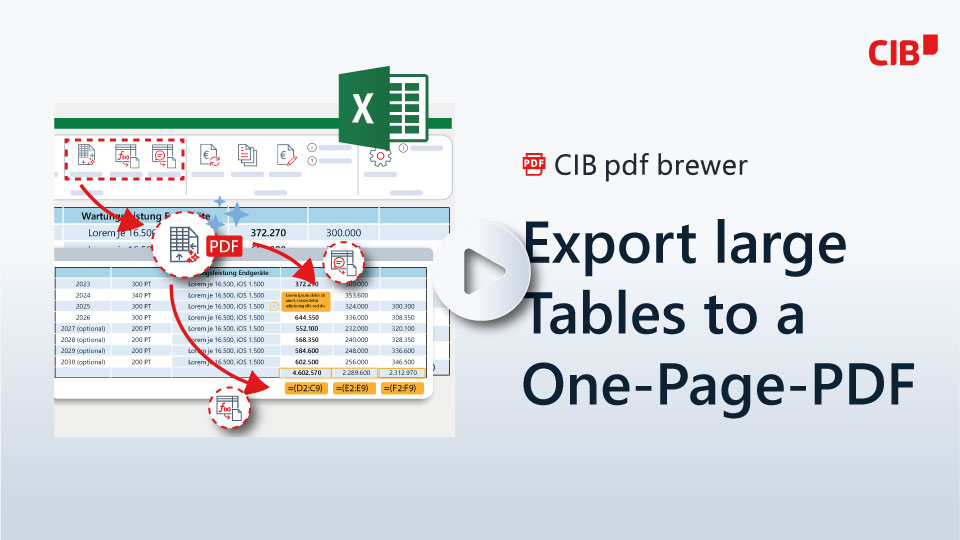
Print large Excel lists on one PDF page

Create PDFs from Excel spreadsheets while preserving the original formatting, even for very long lists. With CIB PDF Brewer, you can print large spreadsheets on a single PDF page and insert comments and formulas as needed.

brewer_exc-02-02.png
brewer_Word-Assistant_DE.png
ACCESSIBLE

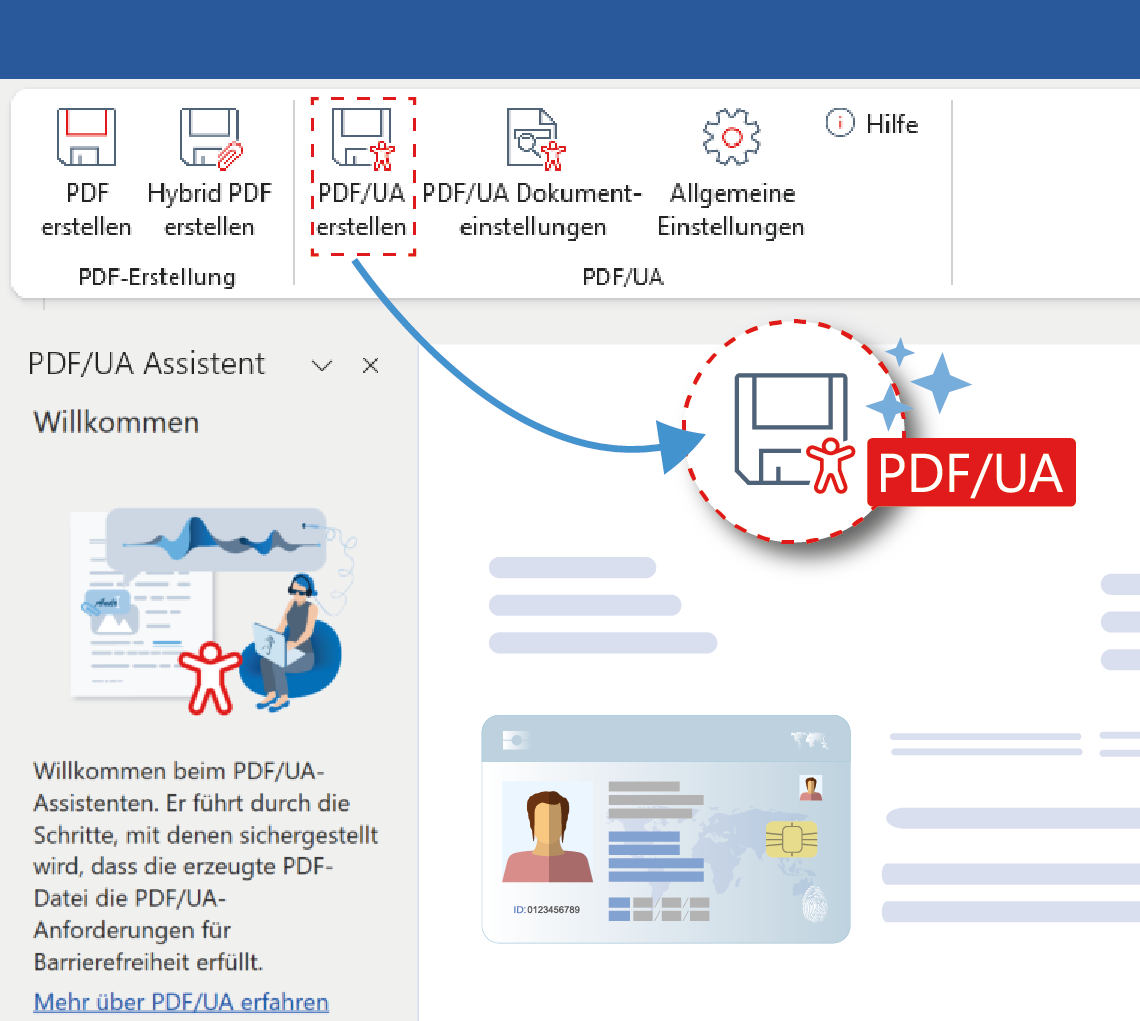
PDF/UA directly in MS Word

The PDF/UA Wizard automatically analyzes the document and guides you step by step through the process of creating accessible PDF files that comply with WCAG guidelines. It identifies elements such as headings, tables, and images, as well as issues with color contrast, making it easier to correct them before the PDF file is created.

PDF/A

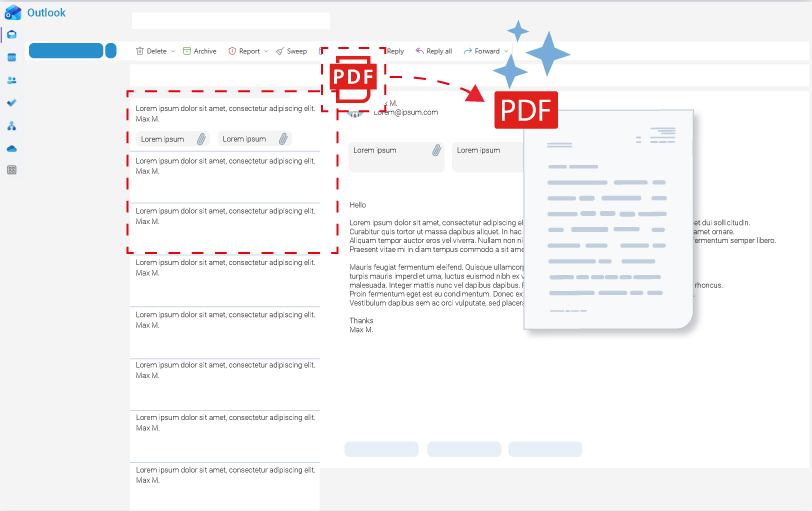
Convert emails from Microsoft Outlook to PDF files with a single click

Convert individual emails, entire conversations, or calendar appointments into professional PDF files without having to leave Outlook. The add-in preserves the original format of the message and allows you to include attachments, create PDF/A documents for archiving, and automate tasks using profiles.

brewer-outlook-extension_v3.jpg

CIB pdf brewer Business - Features for the professional use

Highly customizable and adaptable

Installation

Highly integrative

Versions and prices

Free version*

Business*

BUSINESS

Developer Edition*

BUSINESS
DEVELOPER EDITION

We offer NPOs special conditions for a limited number of licenses!

We love NPOs

Non-profit organizations

We support public institutions as well as a wide variety of private associations that have no political or religious affiliation or are non-commercial.

Your request

Use the application form with your documented proof of non-profit status through an extract from the register (register of associations or similar) and we will contact you.

CIB pdf brewer Tutorials

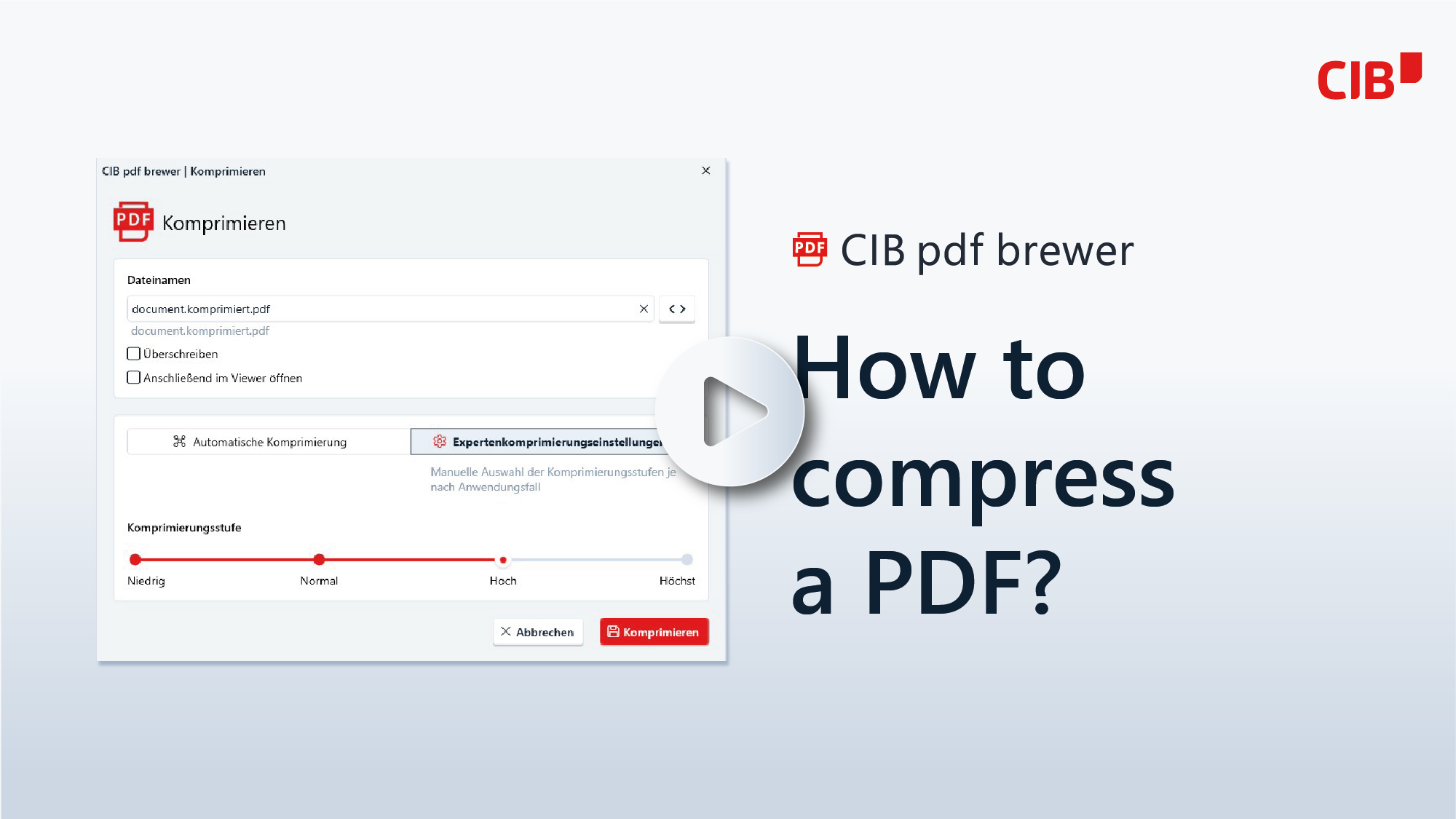
How to compress a PDF?

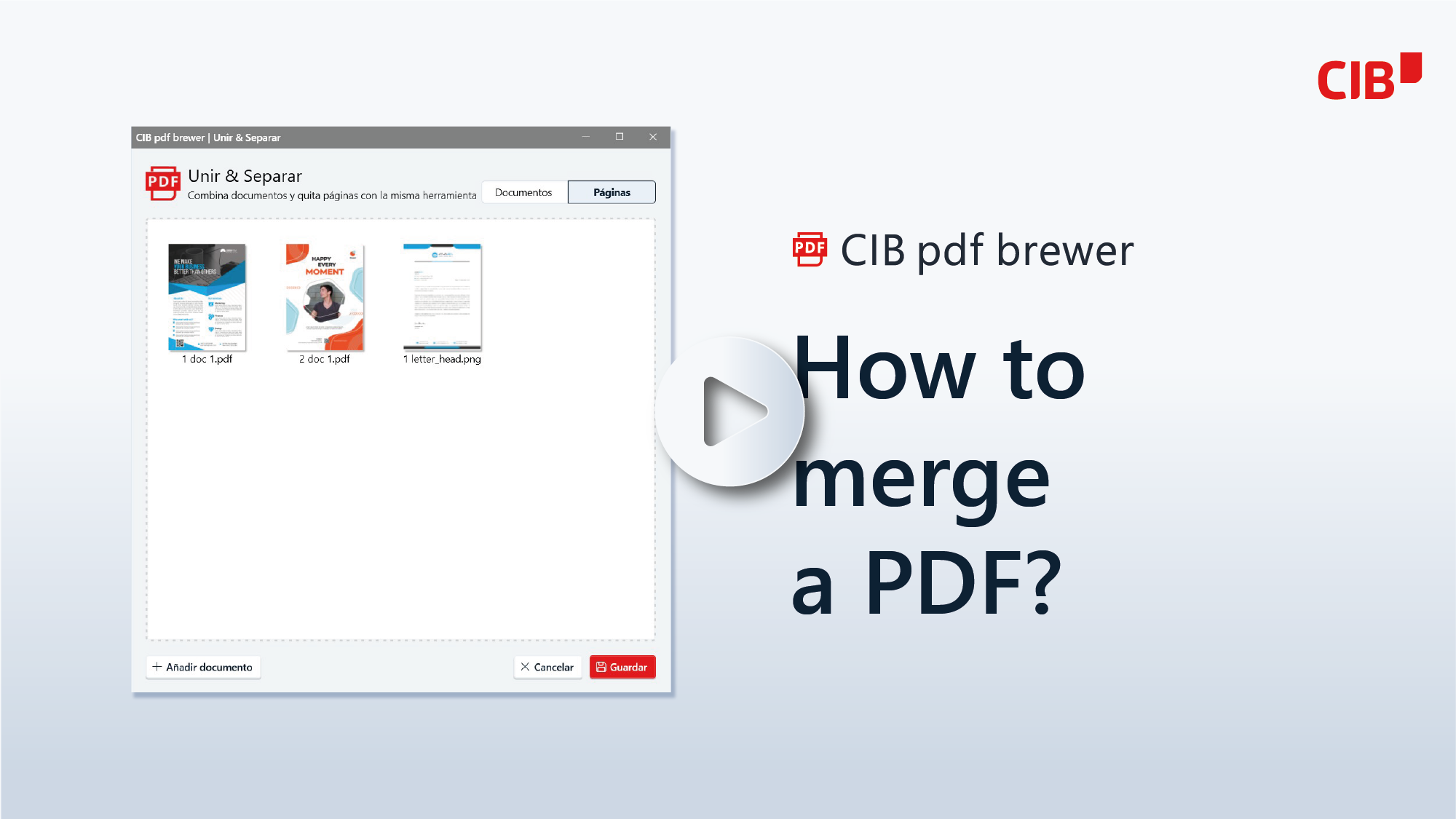
How to merge a PDF?

Export large Tables to a One-Page-PDF

Documentation

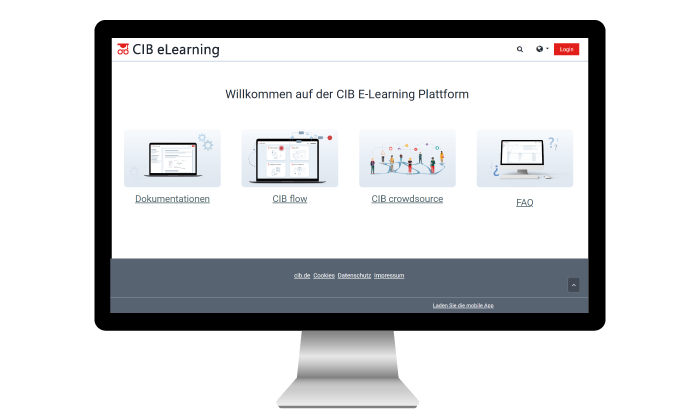
On CIB E-Learning, you'll find our product guides and tutorials, as well as answers to frequently asked questions.

FAQ

PDF/UA (ISO 14289) is the international standard for accessible PDF documents. It ensures that screen readers and other assistive technologies can process content correctly. Since the Act on Strengthening Accessibility (BFSG, June 2025), accessible documents have been mandatory for many companies.

Yes. The built-in PDF/UA Wizard creates an accessible PDF compliant with the Web Content Accessibility Guidelines (WCAG) from a Word document with just a few clicks, even in the free edition. However, the free edition includes a demo watermark; this is removed starting with the Business Edition.

The wizard automatically checks headings, tables, images, and color contrast for compliance with WCAG. Any issues that cannot be resolved automatically are flagged and addressed through a guided post-processing workflow.

Both editions include standard PDF features and the PDF/UA Wizard. In the free edition, PDF/UA documents, e-invoices, and forms include a demo watermark. The Business Edition removes this watermark and adds form creation, e-invoices (ZUGFeRD, XRechnung, and others), unattended installation, installation control, and access to the application programming interface (API). Support must be purchased separately.

Yes. Nonprofit organizations and associations can receive the Business Edition free of charge. To do so, please submit proof of your nonprofit status (such as a tax exemption notice or an extract from the registry) via our NPO request form.

Edit a PDF on smartphone or browser?

Alternatives to CIB pdf brewer:

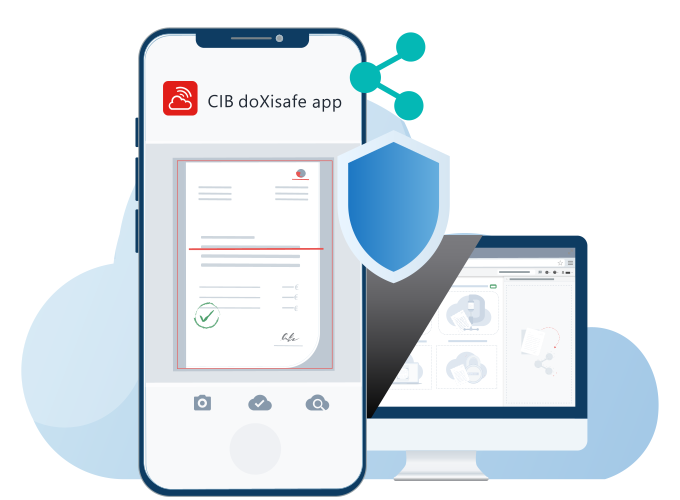
In the cloud as a mobile app

In the web browser with privacy

In the document viewer with AI

CIB pdf brewer Support

Support Contract Users

If you have signed a support contract as part of the main licence agreement, support is included.

USERS WITH SEVERE DISABILITIES

For private users with severe disabilities, we offer our CIB pdf brewer licence and support free of charge.

Other users - fees

Licences without support contract and free version users will be charged 60€ (plus VAT) for every 15 minutes of support service. Support units are charged every 15 minutes. *

*PLEASE NOTE:

Licenses without a support contract and free version users will be charged for support services. We charge the same rate for all requests regardless of the form of contact. For convenience, a contract is formed by implied action.

Telephone answers and appointments for remote maintenance are available during our support hours. Written answers to questions in the ticket system or e-mails can also be obtained outside of support hours.

Related products

DOCUMENT VIEWER

Efficiently edit documents, anonymize sensitive data, and much more in the online viewer—web-based and AI-supported.
API WEB AI

PDF TOOLS ONLINE

Edit PDFs in a variety of ways without uploading your data to the internet – directly in your browser and with guaranteed data protection.
WEB CLOUD

DIGITAL SIGNATURE

Sign contracts and agreements online without media discontinuity and without installation – securely and in compliance with GDPR.
API WEB EES FES QES

Get started with the CIB pdf brewer

CIB pdf brewer Business

Volume discounts from 25 licences

Number of licences Price per licence
and year net / gross
1
26,40 / 31,42 €
25
24,00 / 28,56 €
50
22,80 / 27,13 €
100
21,60 / 25,70 €
250
20,40 / 24,28 €
500
19,20 / 22,85 €
1000
18,00 / 21,42 €
2000
15,60 / 18,56 €

CIB pdf brewer Developer Edition

Number of workstations Price per licence
and year net / gross
1 – 99
900 / 1.071 €
100 – 199
1.800 / 2.142 €
200 – 299
2.700 / 3.213 €
300 – 399
3.600 / 4.284 €
400 – 499
4.500 / 5.355 €
500 – 999
5.400 / 6.426 €
CIB Group
Data protection overview

This website uses cookies so that we can provide you with the best possible user experience. Cookie information is stored in your browser and performs functions such as recognising you when you return to our website and helps our team understand which sections of the website are most interesting and useful to you.